
Creative Control
Fine-tune the details of an anime idea through descriptive prompts and style choices. Keep the creative direction your own.
CCCreative Control
Personal expression
Personal expression

Bring your ideas to anime life.
From text ideas and photos to characters and videos, find an anime creative path for your vision.
Explore a photo-to-anime workflow and imagine a new look for a favorite picture.
Turn a text description into an anime character or scene.
Discover ways to carry an anime image into a moving scene.
Start with a character idea and develop its look and personality.
From storybook warmth to cyberpunk color, explore different anime styles for your ideas.


Shape your vision your way. Describe the details of a character in natural language or build an idea from visual tags.
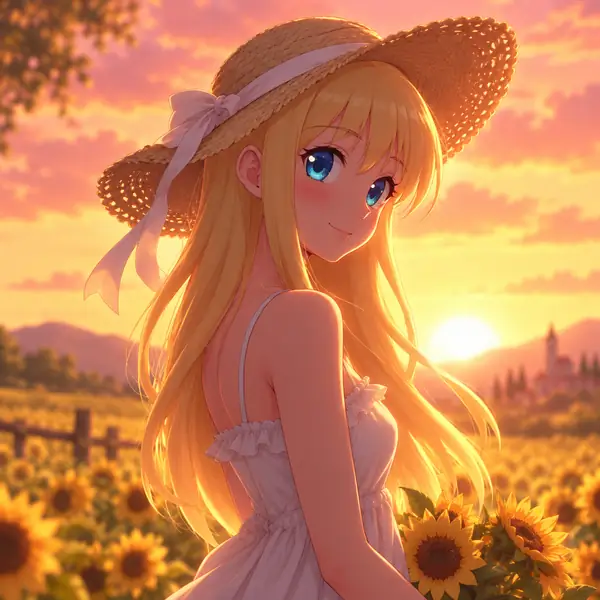
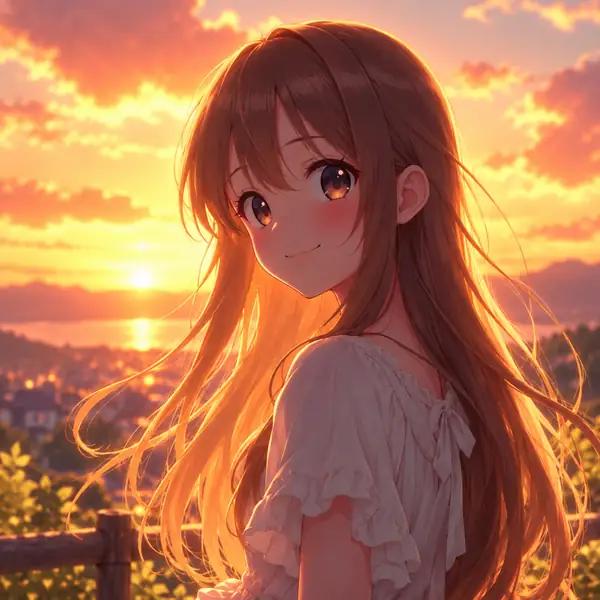
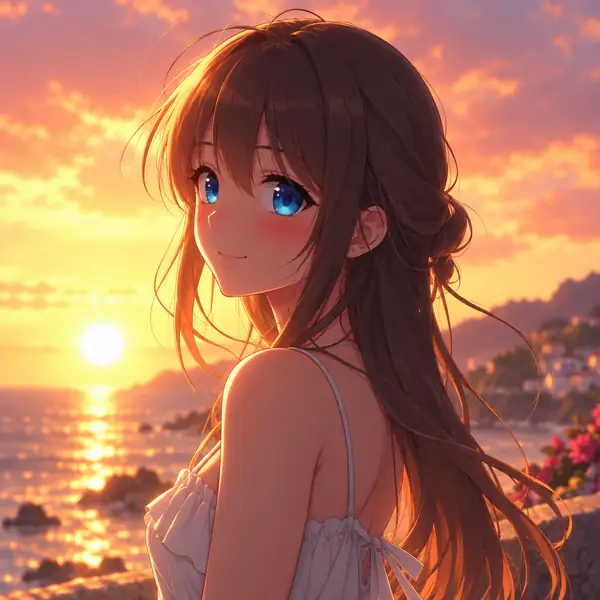
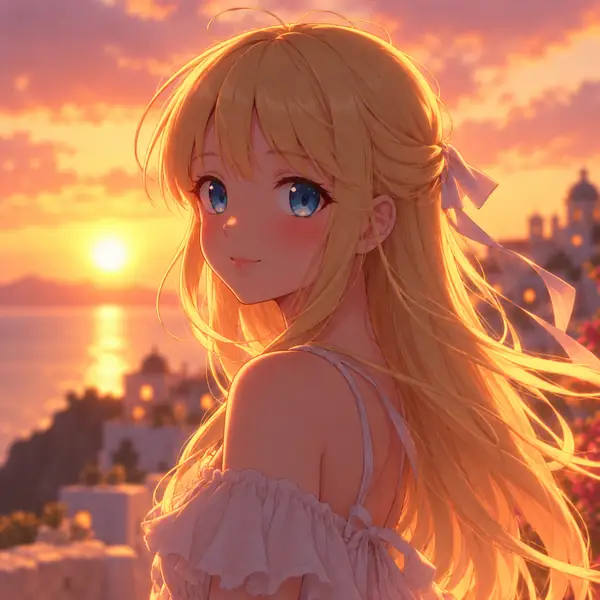
Let Aianime be a starting point for creative ideas, from personal characters to imagined places.
Imagine a character with distinctive hair, eyes, clothes, and personality. A detailed description gives your character concept a direction before you begin making art.
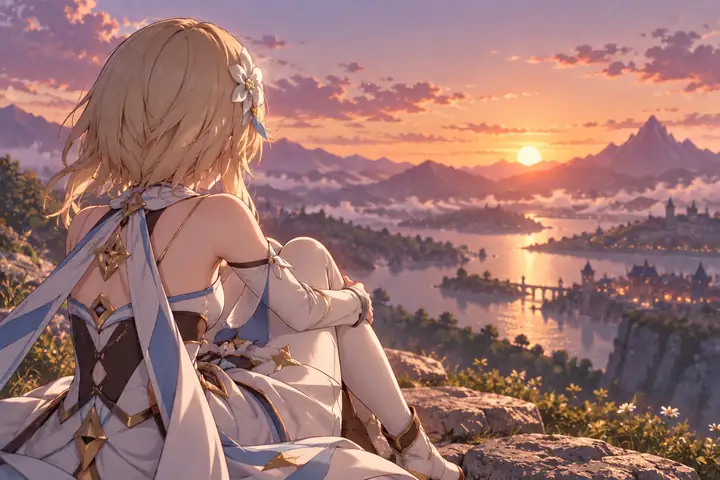
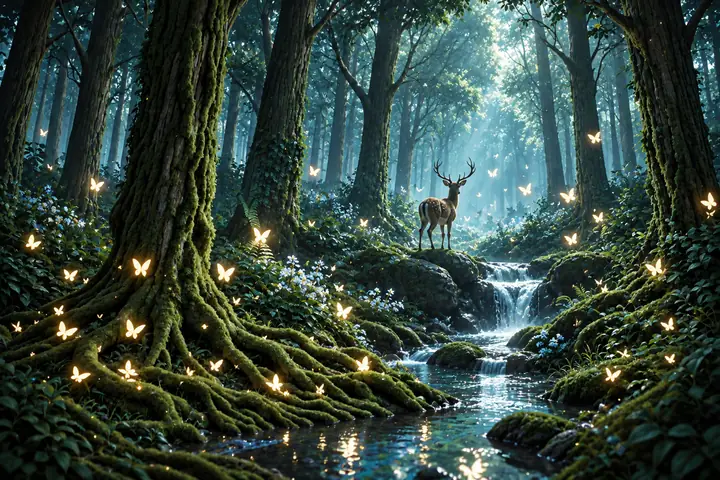
Picture a magical forest, a city street, or a quiet landscape. Describe the atmosphere, time of day, and small details to shape the world you have in mind.
Start with a selfie, a pet, or a favorite place and explore what it could look like as an anime illustration. Consider a soft painted look, a nostalgic style, or colorful chibi art.
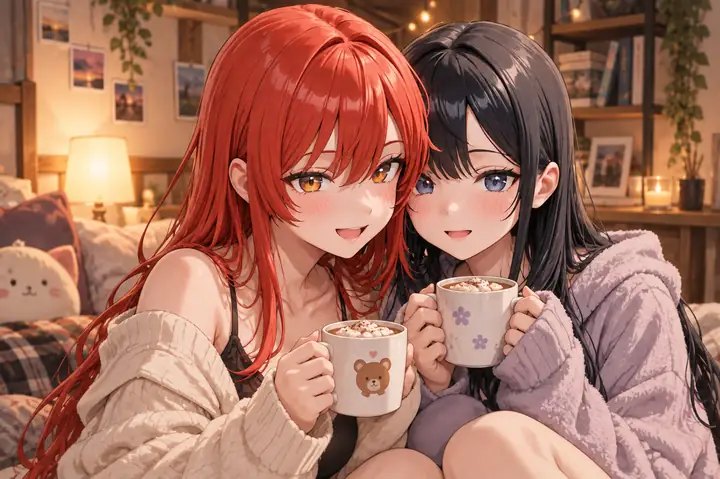
Fine-tune the details of an anime idea through descriptive prompts and style choices. Keep the creative direction your own.
Develop anime art ideas for creative projects, personal work, and content with attention to character and scene detail.
Think about color, lighting, and composition as you refine a prompt and find the visual effect that fits your idea.
A few ways to take an idea from its first description to a more personal creative direction.
Begin with a simple character description. Add a setting and a few details, then see how each choice changes the feel of the idea.
Give a scene its own atmosphere. Time of day, lighting, weather, and color can turn a brief thought into a world worth exploring.
Try a fresh interpretation of a familiar photo. A different illustration style can suggest a new story for a person or place.
Learn more about planning a prompt, choosing a style, and getting started with anime art.
You can start by exploring the creative workflow. Check the linked tool for its current access and usage details.
A square frame suits an avatar, portrait framing gives a character room, and a wide frame can help establish a scene. Available output sizes depend on the tool you use.
Timing can vary with the tool, its settings, and demand. A clear prompt helps you spend less time deciding what to try next.
Review the applicable terms and rights of the tool you choose before using an image commercially.
Describe your subject first, then add the setting, lighting, mood, and a few defining visual details. Change one element at a time when refining an idea.
Yes. A photo can be a useful starting reference for a person, pet, or landscape. The linked tool provides the next step for image-based work.
Start with an appearance, a personality, and a setting. Specific but concise details make your character concept easier to develop.
Ready to explore an idea? Take your prompt to the creative tool and see where it leads.
Explore the toolTake an anime idea from a few words to your next creative starting point.